Want to know who unfollowed you on Instagram? Our free Chrome extension makes it easy — install in 30 seconds, no login required.
Quick Install
→ Install Unfollowers Tracker from Chrome Web Store
Or search “Unfollowers Tracker” in the Chrome Web Store.
How It Works (3 Simple Steps)
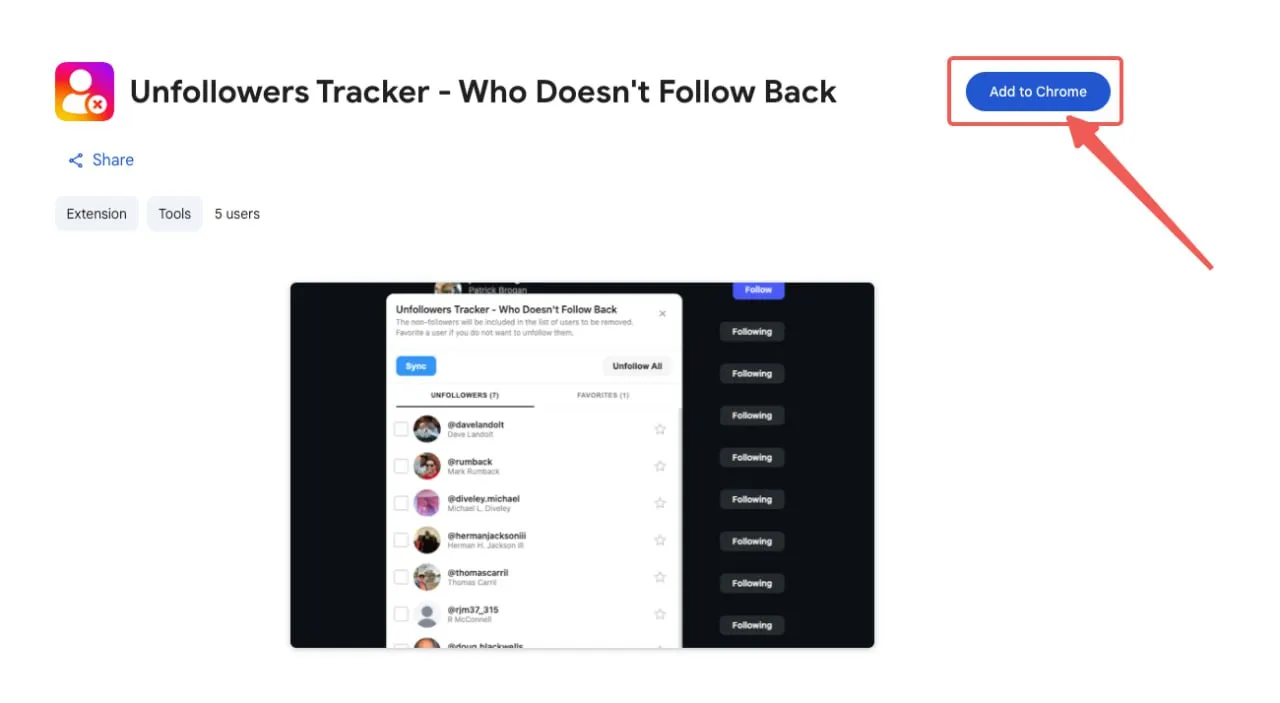
Step 1: Install the Extension
- Click the install link above
- Click “Add to Chrome”
- Done — the icon appears in your toolbar
Step 2: Open Instagram
- Go to instagram.com
- Log into your account
- Navigate to your profile
Step 3: Click the Extension
- Click the Unfollowers Tracker icon in your toolbar
- Wait a few seconds for the scan
- See your results instantly
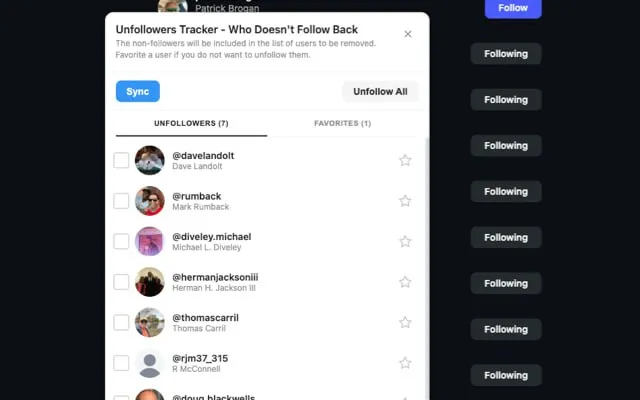
What You’ll See
The extension shows you:
| Category | What It Means |
|---|---|
| Unfollowers | People who stopped following you (see how to see who unfollowed you) |
| Not Following Back | People you follow who don’t follow you |
| Fans | People who follow you but you don’t follow back |
Tips for Best Results
- Check weekly — Track changes over time
- Don’t mass unfollow — Instagram may limit your account (learn about limits)
- Use on desktop — The extension only works in Chrome browser
- Clean up strategically — Use insights to clean up your following list effectively
FAQ
Is it safe?
Yes. We don’t store your password or access your DMs. Read more about safety.
Is it free?
100% free. No premium version, no hidden fees.
Why can’t I see old unfollowers?
Instagram doesn’t provide historical data. The extension tracks from when you first install it. To identify inactive followers, check for ghost followers separately.
Start Tracking Now
→ Get Unfollowers Tracker (Free)
Want deeper insights? Try our Analyze Tool to compare your followers and following lists instantly.
Questions? Check our complete guide to Instagram follower tracking.